
Free AI Photo Editor - Turner AI
Edit any photo with AI in seconds. No watermark, ever.
Actual edits. Total control.
From subtle tweaks to new backgrounds, without rewriting the whole photo.
Change Background
Place your subject in a better scene without remaking it.
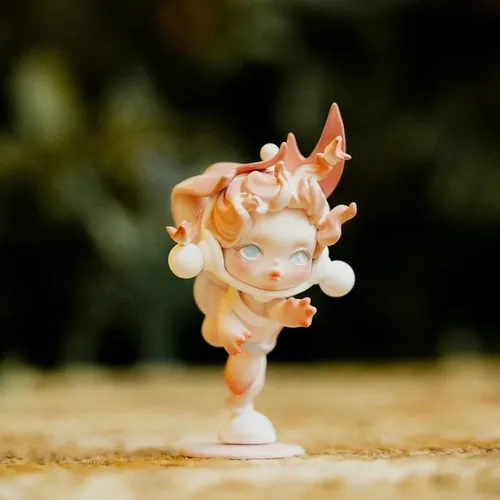
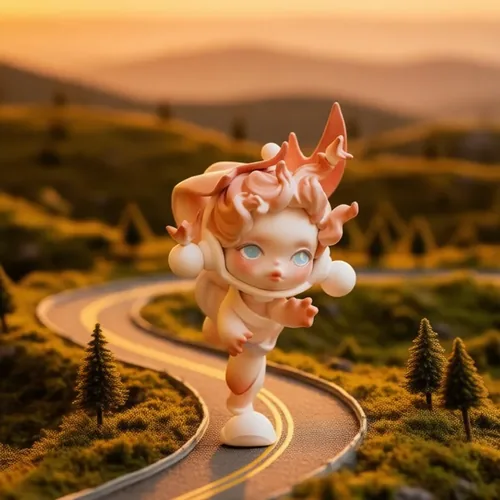
Put it beside a tiny mountain road.
Remove Object
Remove distractions and keep the rest of the image natural.
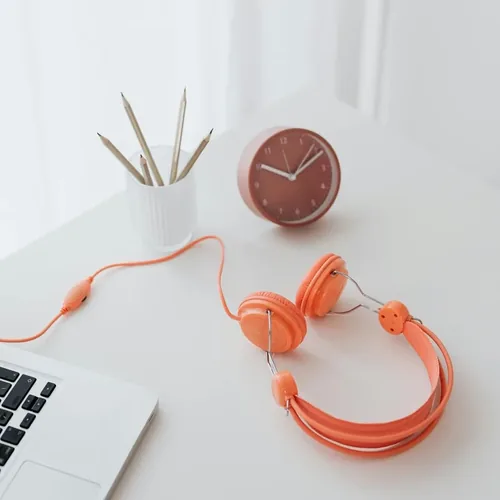
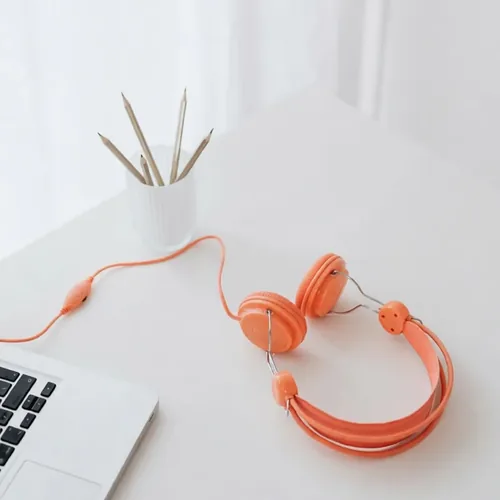
Remove the alarm clock.
Change Color
Change one color without altering texture, shape, or lighting.
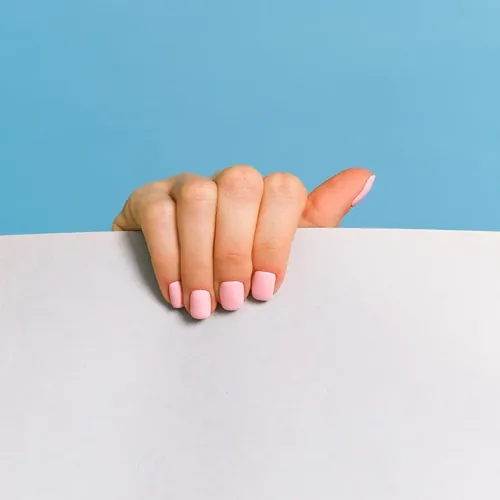
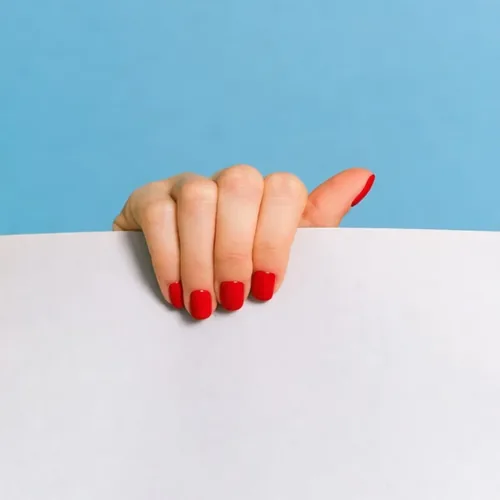
Make the nails red.
Fix Light & Mood
Adjust the light and mood while keeping the scene recognizable.
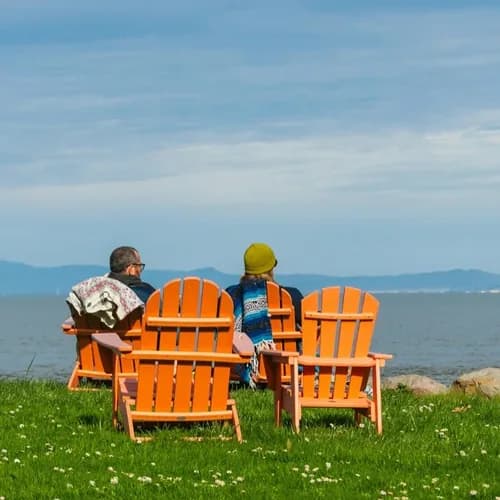
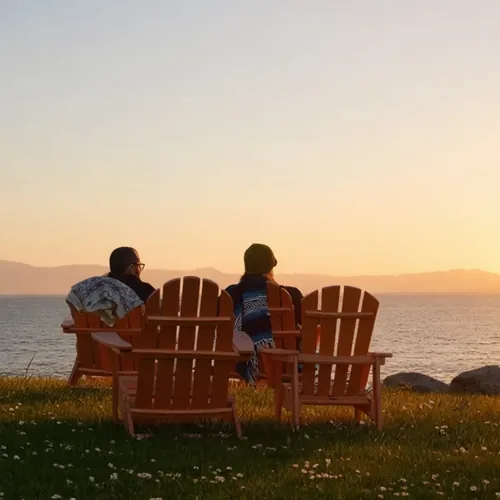
Add a warm sunlight effect.
Text & Detail
Add or clean up small marks, words, or icons without changing the full layout.
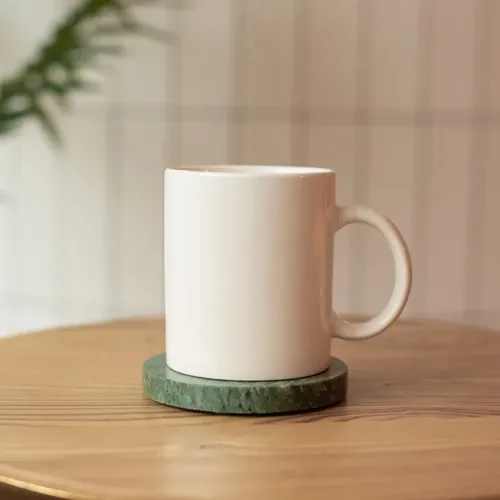

Print COFFEE on the mug.
Change Background
Place your subject in a better scene without remaking it.
Put it beside a tiny mountain road.
Remove Object
Remove distractions and keep the rest of the image natural.
Remove the alarm clock.
Change Color
Change one color without altering texture, shape, or lighting.
Make the nails red.
Fix Light & Mood
Adjust the light and mood while keeping the scene recognizable.
Add a warm sunlight effect.
Text & Detail
Add or clean up small marks, words, or icons without changing the full layout.
Print COFFEE on the mug.
Why choose Turner AI Photo Editor?
Built for clean, localized edits. Edit exactly what you need, leave the rest untouched.
Free to Start
No signup. No credits anxiety. Just upload your photo and start editing instantly.
Plain-Word Editing
Describe your change in plain language. Just type what to edit and Turner handles the rest.
Clean, Natural Results
Turner is built for clean, localized edits that preserve your original photo's structure.
Lightning-Fast Speed
Skip complex software and tutorials. Start an edit in seconds and get web-ready results.
Private & Secure
Anonymous edits are not permanently stored. Your files are processed only for editing and never kept.
Frequently Asked Questions — Free AI Photo Editor
Learn how our free AI photo editor handles your files, edits, and privacy.
What is Turner AI?
Turner AI is a free AI photo editor and AI image editor for existing images. Upload a photo, describe what you want to change, and get an edited result online.
What makes Turner AI different from other AI photo editors?
Turner AI offers free access to an intuitive plain-word photo editor with no trial limits. We provide natural-looking edits, fast processing speed, and complete privacy protection with no cost or registration requirements.
Is Turner AI free to use?
Yes. Turner AI is free to start and supports common basic edits without signup. Users without an account might experience a short queue, but there are no trial limits for basic edits.
Do I need to sign up?
No. You can start editing with no login required. The homepage editor is designed for a quick first try: upload an image, write a prompt, and see whether Turner can help.
What can I edit with the free AI photo editor?
You can change backgrounds, remove unwanted objects, adjust light or mood, change colors, and make small text or detail edits. Start from Try Example or a simple instruction, then refine the result if you want another version.
Will Turner AI keep my subject intact?
Turner is built around controlled edits: change what you need while keeping the main subject recognizable. AI results can vary, but the free basic editing flow lets you try another version without treating every attempt like a paid credit.
Do I need editing skills or complex prompts?
No. Turner is designed for plain-word editing. You can describe the change the way you would ask a designer, such as "remove the alarm clock," without learning layers, masks, or complex prompt writing. In other words, you just describe the edit with a prompt. Free AI editing in Turner AI needs nothing else.
How long does it take to edit a photo?
Most basic edits are processed in seconds. Users without an account might experience a short queue. Our live status indicator shows exactly when your image is queued or processing, so you're always in the loop.
Can I use Turner AI on my smartphone?
Absolutely. Turner AI is fully browser-based and optimized for all devices. Whether you are on a desktop, tablet, or mobile phone, you can instantly upload and edit photos without installing any apps.
Can I use free edited images commercially?
Yes. You may use downloaded edited results for personal or commercial projects, as long as you have the rights to the input image and your use follows applicable law, third-party rights, and our Terms of Service.
Are anonymous edits permanently stored?
No. Anonymous edits are not permanently stored. Your files are processed only for editing, not kept as public galleries or long-term project history.
How can I get support or provide feedback?
We'd love to hear from you! If you have any questions, feedback, or issues with our free AI photo editor, please reach out to our support team at support@turner.art. Your input helps us build a better editing experience.
What is a free AI photo editor?
A free AI photo editor is an online tool that edits pictures you already have instead of generating new ones. You upload a photo, describe the change, and the photo editor returns the result. Turner AI photo editing follows that loop: a free AI photo editor with no account and free AI editing for every basic edit in Turner AI.
Is there a free AI photo editor online?
Yes. Turner AI is a free AI photo editor online: open Turner AI in any browser, upload a picture, and type what should change. This online photo editor works the same on desktop, tablet, or phone, so free AI editing travels with you and AI photo edits start anywhere. AI photo edits stay free in every browser. Try Turner AI.
What file formats does the AI photo editor support?
The Turner AI photo editor accepts the formats people already use. Upload PNG, JPEG, or WebP files and the AI photo editor handles them directly; every finished image downloads in a standard web format, and the Turner AI photo editor keeps the handoff simple. Every format goes through the same AI photo editing steps. The photo editor keeps formats simple.
Does the free AI image editor support high-resolution downloads?
Yes, at the free model resolution. The free AI image editor delivers downloads up to 720px on the long edge, sharp for web pages, social posts, and product cards. Sign in and the same free AI image editor opens higher-detail 1K Turner Pro edits; the Turner AI image editor grows with your projects. Turner AI fits both tiers.
What is the difference between an AI photo editor and an AI image editor?
In daily use the two names cover the same job: editing an existing picture rather than generating a new one. An AI photo editor leans toward camera photos, while an AI image editor also fits product shots, screenshots, and graphics. Turner AI handles both, so every AI image goes through the same steps. Either phrase lands in one photo editor.
Is the Turner AI image editor really unlimited?
For basic edits, yes. The Turner AI image editor keeps basic editing unlimited: as many free AI edits as you need, no trial window. The photo editor may show a short queue at peak hours. Turner AI keeps that loop simple.
What AI models power the Turner AI photo editor?
The Turner AI photo editor pairs its own fast editing engine, powered by Qwen-Image, with premium models including Nano Banana 2, Nano Banana Pro, GPT Image 2, and Seedream 5.0 Pro. Inside the Turner AI photo editor you pick a model per edit, from free AI fixes to premium passes in the same photo editor. Turner AI keeps it simple.
How do I describe my edit with a prompt?
Write one short instruction the way you would tell a designer: remove the background clutter and make it a clean white background. Plain sentences beat keyword lists. If the first result misses, refine it with prompt follow-ups; the image editor applies each new line to the previous AI image. Every AI photo upload follows the same flow.